
When you add a game account in the dashboard, we look it up by username and platform. If the search comes back empty, it's almost always the name you searched with rather than a problem with your account.
Pick your platform below.
PC: search with your EA ID
This is the single most common cause. Your Steam display name usually won't find your account. Steam names aren't unique and aren't what the search matches on, so searching with one typically returns nothing — or someone else.
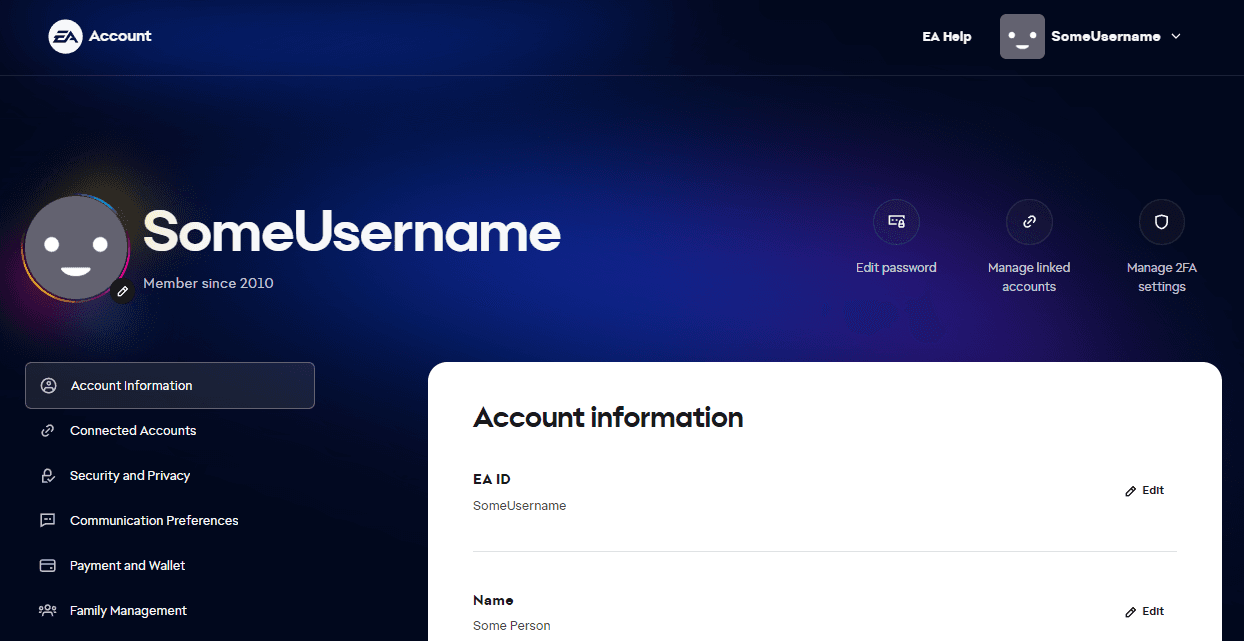
Search with your EA ID instead. It's the unique account name attached to your EA account, and it's what Apex reports your stats under.
Finding your EA ID
- Open your EA account information page.
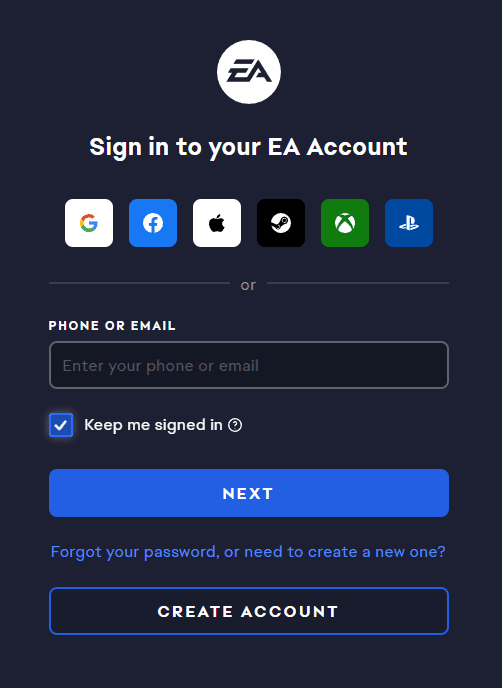
- Sign in. You can use your email and password, or the Steam, Xbox or PlayStation buttons if that platform is linked to your EA account.
- Your EA ID is the first entry under Account information.
Xbox and PlayStation: search with your gamertag or PSN ID
On console, just search for your usual username — no EA ID needed.
Still nothing? Look yourself up on Apex Legends Status
If you're searching with the right name and the account still doesn't appear, it may not have been picked up by the upstream Apex data yet. Looking your account up on Apex Legends Status is usually enough to get it registered.
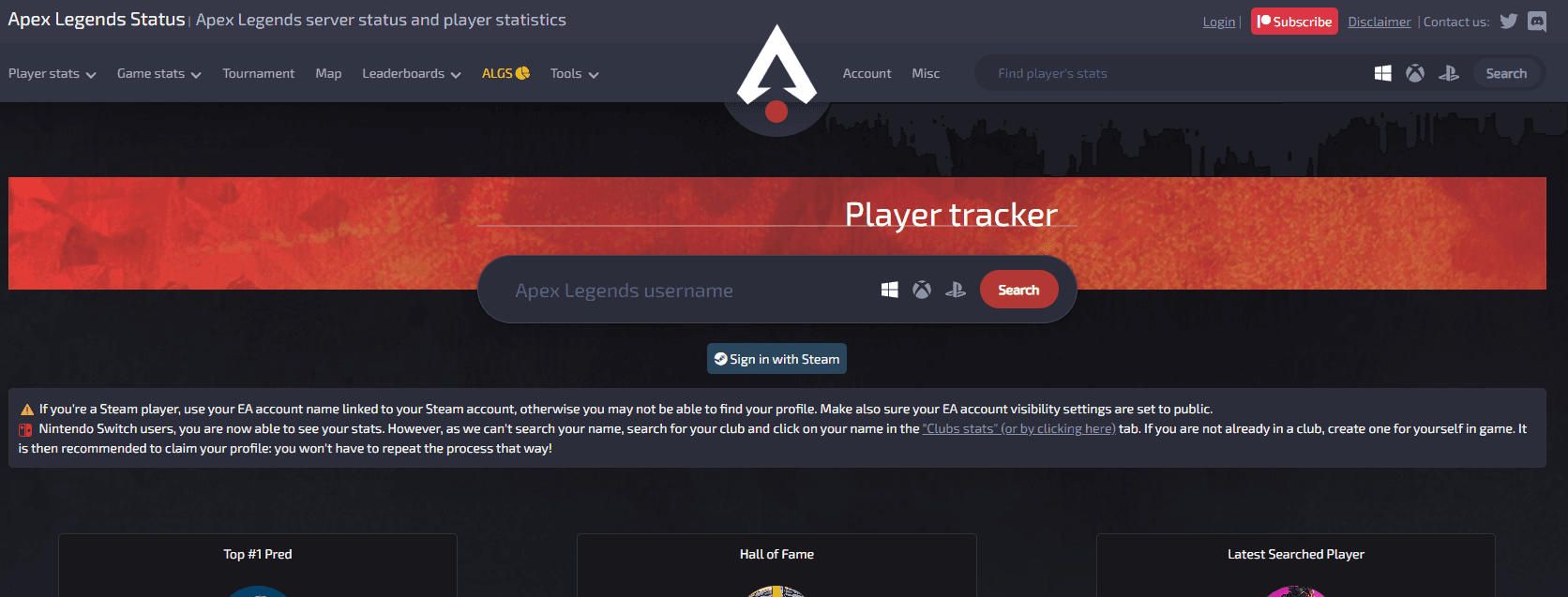
- Open the Apex Legends Status player tracker.
- Type your username and pick your platform with the icons next to the search box.
- Press Search, then open your account page from the results.
- Come back here and add your game account again.
Still stuck?
Ask in the Discord server and include:
- your Twitch channel name
- your platform
- the exact name you searched for
- your EA ID, if you're on PC
That's usually enough to work out what's happening without any back and forth.