Twitch Apex Stats — stats commands & overlays for your Apex stream. Get started in the dashboard
 TwitchApex Stats
Twitch Apex Stats has been rebuilt from the ground up — new dashboard, free overlays, multilingual support and more.
After a lot of work, Twitch Apex Stats has been rebuilt from the ground up to bring a lot of new features and increase user experience; many backend improvements were made as well. TLDR below, but I ask that you read everything.
When this project was first started, I just threw together a quick set of commands and overlays to help out the community. Over time I added more, but the code was getting hard to maintain. I never expected the project to grow as much as it has, so it was time to rebuild from the ground up for a better experience and to enable many new features.
The old setup relied on people entering things correctly and consistently — easy to get wrong across multiple moderators. The new dashboard fixes a lot of those issues. You log in with Twitch and manage your own channel or ones you moderate, with settings stored centrally instead of inside each command/overlay URL.
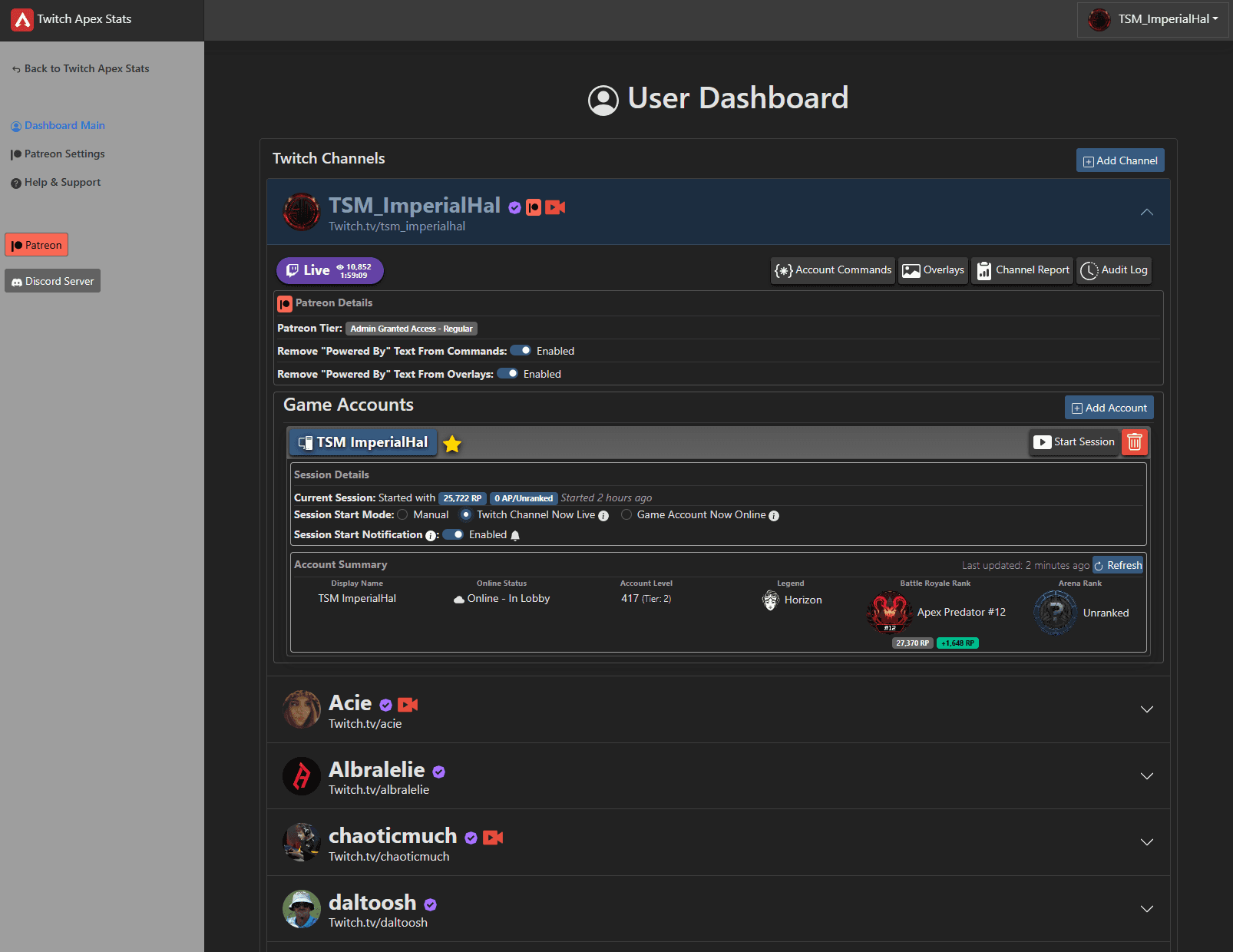
You can now have a default game account and multiple game accounts on a single channel — handy for solo-to-Masters runs or separate solo/stack accounts. The same commands/overlays work for both just by switching the default account, or can target one specifically.
French has been added alongside English and Russian. To volunteer translating into more languages, contact me ( @MrCaseyJames or @mrcaseyjames).
Overlays now support the same languages as commands (English, French, Russian).
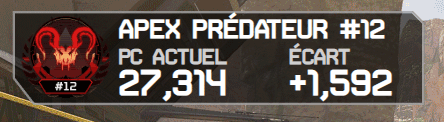

You can now choose which channels to apply your Patreon benefits to — including channels you moderate — and apply to multiple channels by increasing your pledge ($1 per channel). Link your Twitch and Patreon via the Patreon Settings on the dashboard.